November 11, 2022
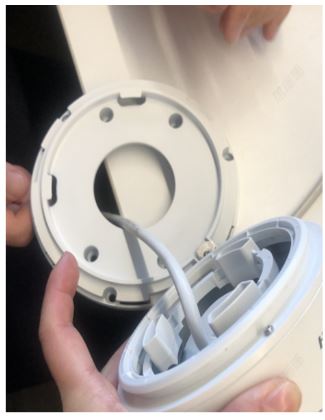
Turret camera supports to adjust angle manually
Angle Adjustment: Pan: 0° to 360°, tilt: 0° to 75°, rotate: 0° to 360°
Step 1
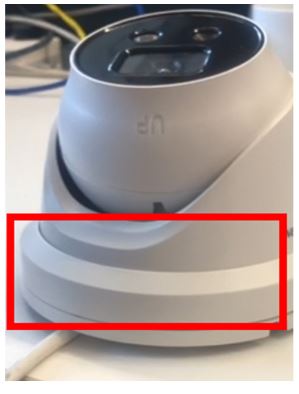
Please kindly take off the ring at the bottom of the camera.
Step 2
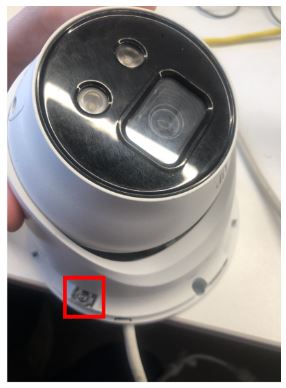
Find the screw and unscrew it.
Step 3
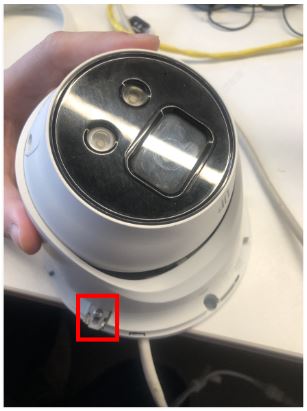
After unscrewing, pull out the metallic gasket.
Step 4
Pull out the bottom of the camera and adjust the angle of the camera up to your need manually